Hi there,
I’m Andrei Marius.
Graphic designer.
For over 15 years I’ve designed cross-platform experiences for Mac, iPad, iPhone and the web, with a strong background in vector design, illustrations and educational content.
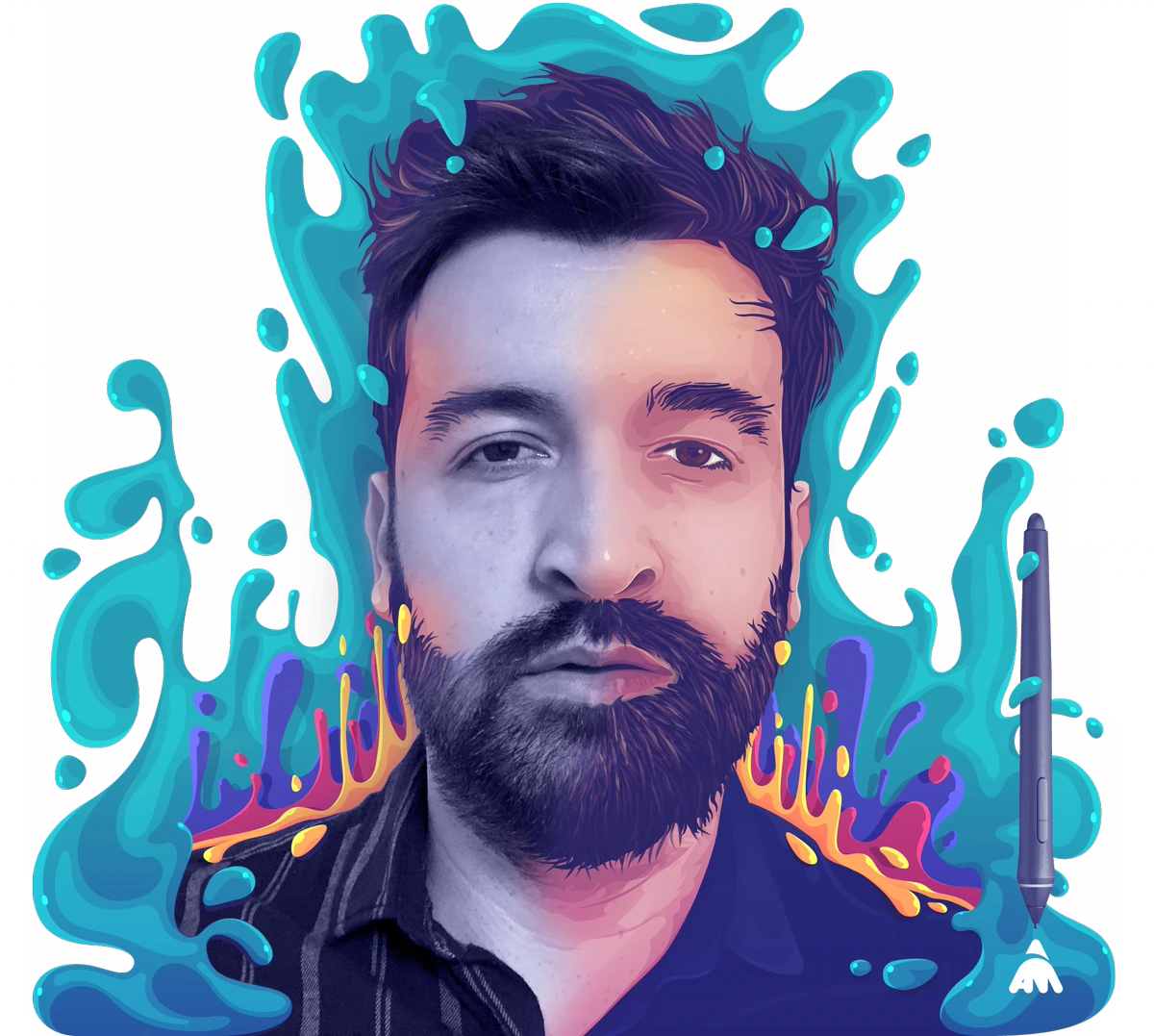
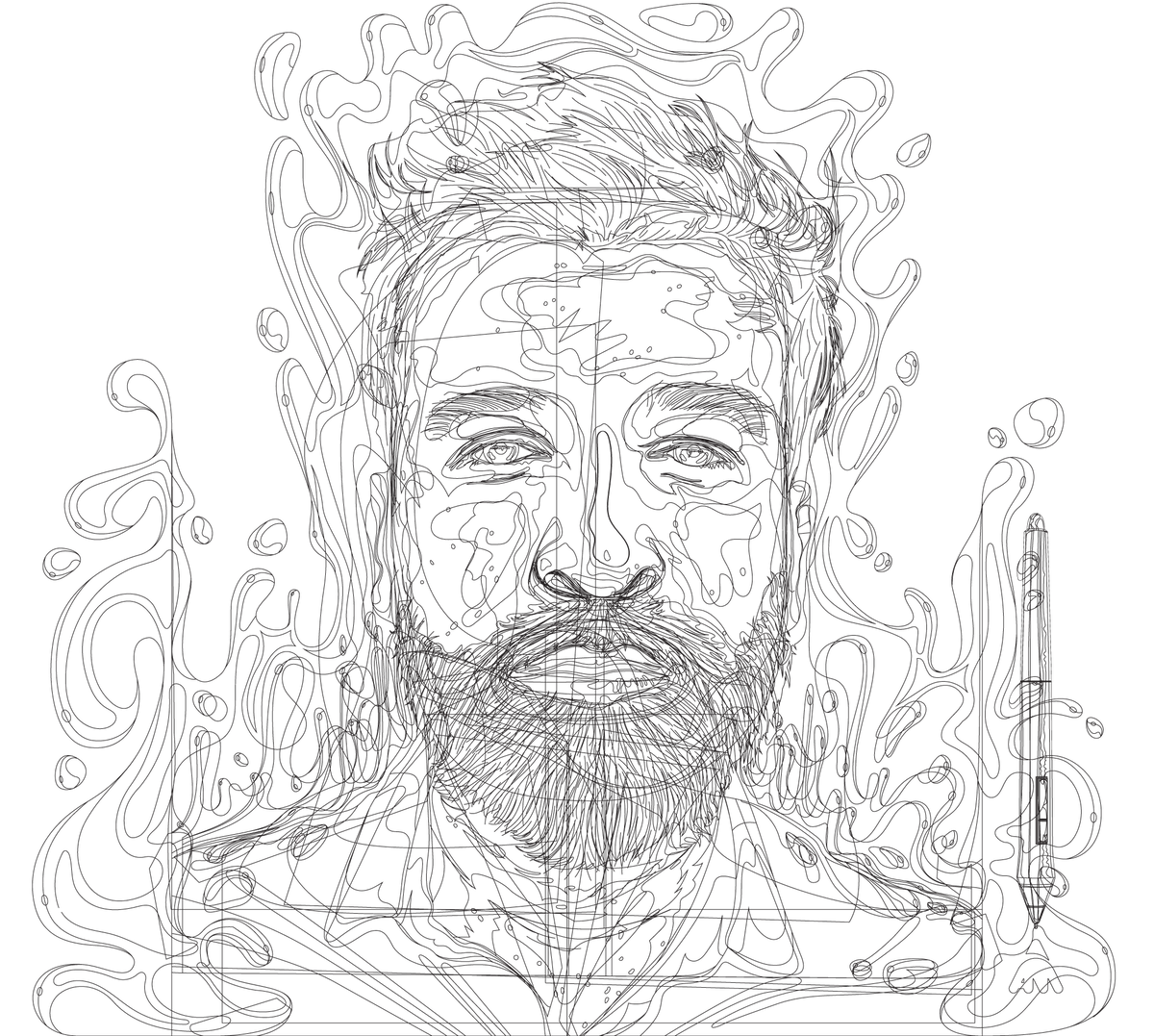
Usability meets visual craft
From end-to-end product design to illustration, icons, mascots and infographics.
Monexe · Money Management App
Track expenses, set budgets and take control of your finances. Designed end to end, from interface and flows to onboarding and tutorials.
Graphic · Vector Design App
Shaped the UI/UX of a cross-platform vector design app, simplifying complex workflows and improving consistency across devices.
Galaxy Exodus · Idle Steam Game
An idle space-strategy game for Steam, game design, UI, art and animation, from first idea to store page.
Ciorbarie · Food Delivery App
Concept project for a food delivery app specializing in traditional Romanian food. Designed for mobile, from the brand and user flow to every UI screen.
Explore 15 years of work, sorted by category. Pick one to see the full gallery.
View all categories →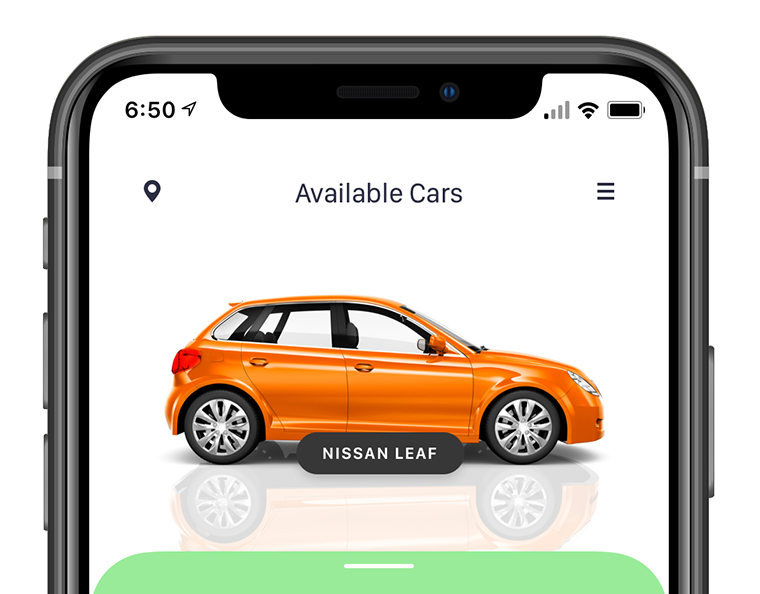




15+ years of designing and teaching
From vector tutorials to cross-platform product design. Based in Bucharest, Romania, working remotely.
-
2009 – Jun 2021
Graphic Designer / Tutorial Creator
vforvectors.com (now offline) · Self-employedDeveloped and managed a niche website dedicated to vector design, with tutorials focused on Adobe Illustrator and Photoshop. The website has since been retired, the screenshot shows what it looked like.
-
Mar 2010 – Dec 2024 · 14 yrs 10 mos
Graphic Designer & Creative Content Educator
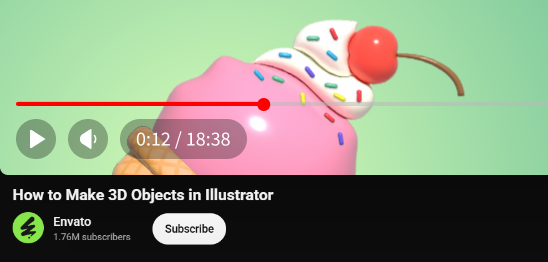
Envato Author Community · Freelance- Published 500+ written and video tutorials covering Illustrator, Photoshop, After Effects, Affinity Designer, Sketch, Figma, Adobe XD, and more.
- Produced over 100 video tutorials for the Envato YouTube channel, expanding reach among millions of designers worldwide.
- Developed templates, guidelines, and best practices for new authors joiningthe Envato writers team.
-
Jun 2014 – Apr 2015 · 11 mos
Graphic Designer & Creative Content Educator
INDEEO, Inc. · Full-time- Collaborated on the visual direction of iDraw, a cross-platform vector drawing and illustration app, the same app I’d keep working on for the next years, as it became Autodesk Graphic and later Picta Graphic.
- Produced visual assets supporting product communication and feature understanding.
- Created tutorials and educational materials for Mac, iPad and iPhone users.
-
Apr 2015 – Nov 2017 · 2 yrs 8 mos
Lead Graphic Designer & Creative Content Educator
Autodesk · Full-time- Continued on the same app after Autodesk acquired iDraw and rebranded it as Autodesk Graphic.
- Crafted detailed vector illustrations to communicate and validate key product features across Mac, iPad and iPhone.
- Designed complex visuals demonstrating real-world workflows.
- Wrote tutorials aligned with product redesigns and usability improvements.
-
Nov 2017 – Jan 2025 · 7 yrs 3 mos
UI/UX Designer & Product Designer
Picta Inc. · Full-time- Stayed with the app when Graphic became part of Picta Inc., now leading its UI/UX and product design.
- Improved the UI/UX of Graphic, a cross-platform vector illustration app, across Mac, iPad and iPhone.
- Redesigned the official website, graphic.com, from the ground up.
- Created tutorials, illustrations, videos, user guides and promo materials that supported onboarding and adoption.
-
Jan 2025 – Present · 1 yr 10 mos Current
UI/UX Designer
Creativexe · Self-employed- Designed the UI/UX for Monexe, a personal finance and budgeting app. From user flows and onboarding to budgets, transactions, reports and lists.
- Built and maintained a scalable design system: components, typography, colour tokens, icons and interaction patterns.
- Created the app’s visual identity, website, screenshots, trailer and promotional graphics.
- Used AI tools like ChatGPT, Claude, Gemini, Envato GenAI and ElevenLabs.
- Designed the UI/UX for Galaxy Exodus, a space strategy and resource-management idle game.
- Shaped the game design using AI tools and Photoshop, and animated every asset frame by frame in After Effects.
- Prepared the Steam launch: store page, capsule art, banners, screenshots, trailer, achievements and leaderboards.
-
Coming soon · Your project?
This spot is still open
Contact me if you want to be next in this timeline.
Let’s talk
The tools I’ve relied on over the years to bring my designs and products to life, from the first sketch and vector illustration to polished interfaces, motion and code.
 Figma
Figma
 Illustrator
 Photoshop
 InDesign
 Premiere Pro
 After Effects
 Sketch
 Affinity Designer
 HTML
HTML CSS
CSS Chat GPT
 Claude
Got a question, feedback, or want to work together?
Feel free to drop me an email. I’d love to hear from you.